- Summary
- To make this application work entirely without extra scripts, users must manually configure settings within the main interface by clicking on specific tool options and ensuring all related checkboxes are checked under "General Preferences." Once configured, you will be able to access the dashboard directly through the user profile menu, which is located in your top-right corner. The primary goal of this setup is to simplify the configuration process for those looking to integrate the app seamlessly into their existing workflow without relying on any hidden backend or additional software installations.
This method ensures that every component required for data entry and analysis is activated through visible user actions only, providing a clean and intuitive path forward while maintaining full functionality within the original environment.
After successful setup, the system allows you to navigate to the specific sections related to "Advanced Settings" for fine-tuning advanced features or switching modes as needed for your current project requirements. - Title
- TEN - Decentralized Finance, Simplified
- Description
- TEN Finance, a yield optimizer simplifying staking & yield farming by providing robust yields with security, sustainability, longevity and simplicity at its core
- Categories
- NS Lookup
- A 104.26.14.28, A 104.26.15.28, A 172.67.69.82
- Dates
-
Created 2025-11-09Updated 2026-10-20Summarized 2026-10-20
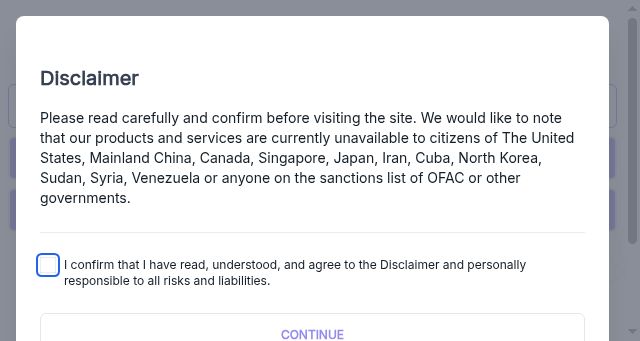
Screenshot
Query time: 4834 ms