- Summary
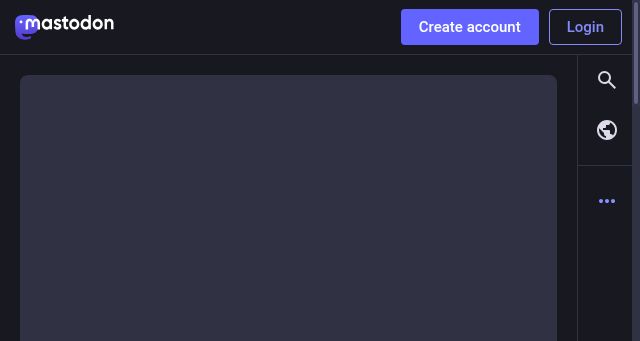
- This guide explains how to launch a Mastodon server using their web-based interface and also offers an alternative approach through official mobile applications depending on your environment or device compatibility. First, ensure that JavaScript is enabled within the application settings before beginning configuration tasks. Once activated, you can configure authentication methods, access user data securely, and customize the platform features for your specific needs. You may also try running native iOS or Android apps directly from the official website if your system supports them efficiently. This dual approach ensures flexibility in managing your digital presence across various platforms and devices. The process starts with verifying the necessary technical setup before diving into deeper customization steps.
- Title
- Stereodon.social
- Description
- The social network of the future: No ads, no corporate surveillance, ethical design, and decentralization! Own your data with Mastodon!
- Categories
- NS Lookup
- A 65.108.133.80
- Dates
-
Created 2025-08-16Updated 2026-11-12Summarized 2026-11-12
Screenshot
Query time: 135 ms