- Summary
- You have three critical options if your website fails to load after multiple attempts, each presenting specific risks and recovery steps depending on your role within the service. As a visitor seeking assistance, the first priority must be contacting the website owner directly via email, as they may contain technical logs or error codes that can pinpoint the root cause of the issue and guide you through resolution strategies such as checking server configuration. If the owner remains unable to address the problem immediately, it becomes advisable for a visitor to reach out to their hosting provider, who can perform server checks or deploy patches to ensure the site functions reliably again for all users visiting this platform.
If the website owner has no time or capacity to resolve the issue within their immediate schedule and requires a temporary workaround before contact can be made later, you should consider creating an internal support ticket on your own account. This allows you to file a formal request documenting what action occurred, which may prompt the owner to acknowledge the feedback or escalate the matter if necessary. Alternatively, if you are the owner yourself, contacting your hosting provider remains essential; they must perform a server health check immediately and verify that all critical components like web servers, databases, and storage systems are responding correctly to ensure the platform remains accessible for everyone using this service. - Title
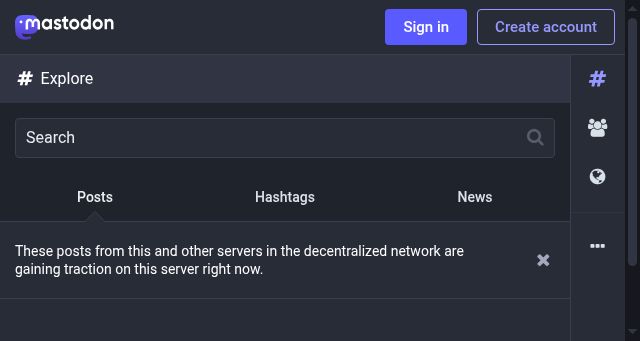
- mastodon.cloud | 521: Web server is down
- Description
- mastodon.cloud | 521: Web server is down
- Categories
- Upstreams
- frontalot.com, hypercritical.co, kodi.tv, slashdot.org
- Downstreams
- joinmastodon.org
- NS Lookup
- A 104.21.67.9, A 172.67.167.111
- Dates
-
Created 2024-02-14Updated 2026-10-21Summarized 2026-10-21
Screenshot
Query time: 394 ms