- Summary
- This error message explicitly tells the user to disable JavaScript before proceeding. To resolve this specific issue, you must first stop any running processes that might be interfering with the environment. Next, open the browser developer tools (F12), navigate to the console tab, and check if JavaScript is disabled. If it is, you should switch to the code tab, reload the page, and enable JavaScript by going to the `console` menu, selecting `Uncheck JavaScript` in the dropdown, and ensuring that JavaScript is toggled on in the settings. Once JavaScript is enabled, retry opening the website. This simple navigation step within the code editor is usually sufficient for the issue to be resolved.
- Title
- jakewelch.design
- Description
- jakewelch.design
- Keywords
- work
- Categories
- NS Lookup
- A 172.67.136.50, A 104.21.70.141
- Dates
-
Created 2025-11-09Updated 2025-11-09Summarized 2026-03-22
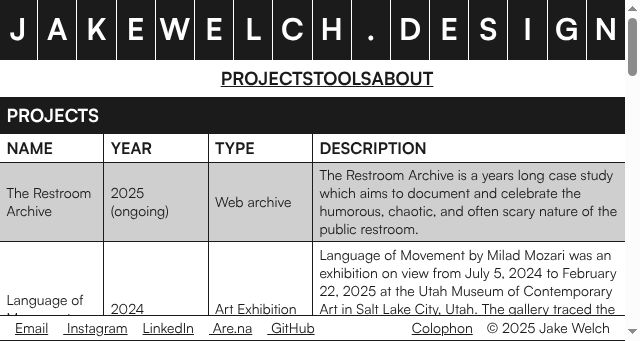
Screenshot
Query time: 358 ms