- Summary
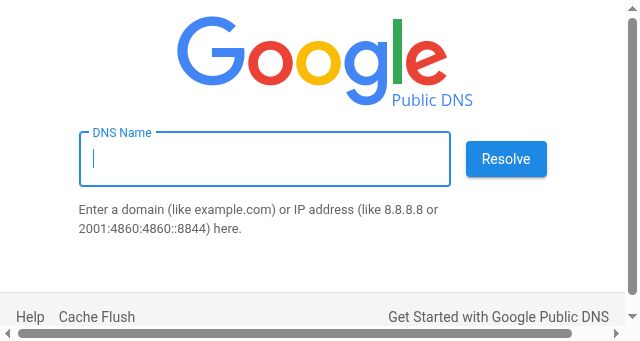
- Publicly Available DNS servers can be identified by looking at a website's header, typically displaying the hostname or IP address in a small box. Users must navigate to this page, select "Public DNS" from the top menu bar, and then choose one of three primary sources available on the website. Clicking these options opens an interactive interface where users can either view a list of public domains for testing their browser, manually enter any specific domain or IP address they wish to resolve in real-time, or use the "Cache Flush" feature to update all configured DNS caches globally instantly for improved performance and reliability across their network.
- Title
- Google Public DNS
- Description
- Google Public DNS
- Categories
- NS Lookup
- A 8.8.8.8, A 8.8.4.4
- Dates
-
Created 2026-02-16Updated 2026-10-26Summarized 2026-10-31
Screenshot
Query time: 3180 ms