- Summary
- This guide provides step-by-step instructions on how to stream free text-based movies directly into the terminal using a PowerShell script located in the provided webpage content. Users should ensure their system meets minimum security requirements before launching the application, such as disabling strict host key checks and enabling watch ASCII files. The process begins by opening Microsoft Command Prompt (cmd.exe) from the Start menu. A pre-built PowerShell script must be pasted into the terminal environment to initiate playback automatically upon execution. After entering this code in a secure terminal session like Windows 10, the application opens, allowing users to view movie descriptions or images via text input within the command line interface. Once ready, players can stop streaming by closing the shell or pressing `q`, and subsequent sessions will re-enable play without requiring manual intervention or re-pasting scripts.
- Title
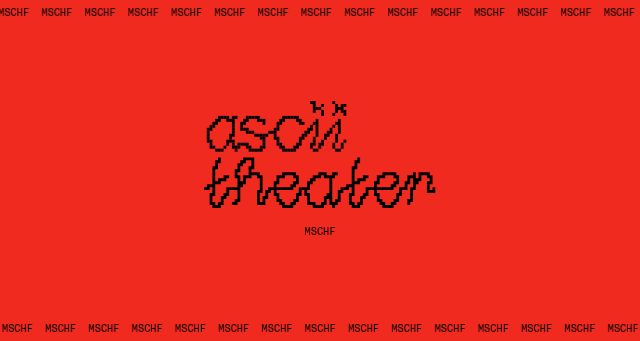
- ASCII Theater
- Description
- Stream free text-based movies in your terminal.
- Categories
- NS Lookup
- A 172.67.179.208, A 104.21.56.71
- Dates
-
Created 2024-02-14Updated 2026-10-19Summarized 2026-10-24
Screenshot
Query time: 127 ms