
- Summary
- The Element Exclusion feature allows you to disable elements within a page by clicking on the Exclude tab in the browser extension.
Users can use this feature by clicking the Exclude tab, then selecting any specific element to hide it from the page view.
To begin using this feature, install the extension and navigate to the exclusion settings.
This feature is useful for filtering content or removing specific interactive elements from the main interface. - Title
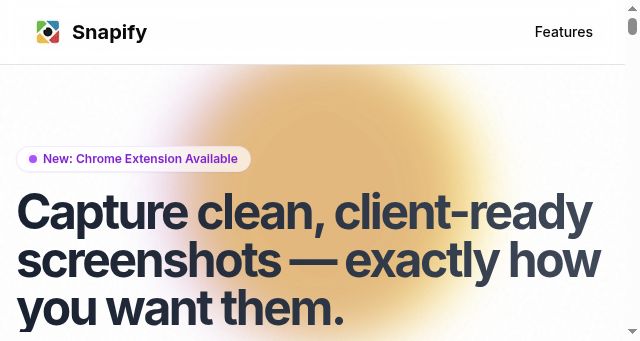
- Snapify — Clean, Client-Ready Screenshots for Designers
- Description
- Capture polished screenshots without UI clutter. Snapify gives designers precise control for client-ready visuals.
- Keywords
- capture, extension, designers, save, ready, click, pages, data, chrome, client, browser, clutter, product, cleanup, step, perfect, does
- NS Lookup
- A 104.21.61.74, A 172.67.207.94
- Dates
-
Created 2026-03-09Updated 2026-04-04Summarized 2026-04-04
Screenshot
Query time: 242 ms





