
- Summary
- Users have limited keyboard capabilities for the website, which restricts their interaction and navigation. They typically cannot use the Tab key to navigate elements, nor can they click arrows to expand menus or close dropdowns that use the arrow keys. To trigger buttons or open links, users must press the Enter key, and to fill in radio and checkbox elements, they must press the Spacebar or Enter key. Consequently, many users struggle to quickly move between radio and checkbox items, even when navigating on a keyboard. Users cannot skip menus easily, and there are no quick-navigation options available on the website.
- Title
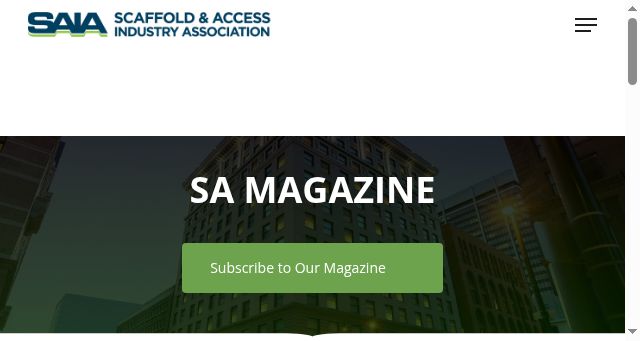
- SA Magazine: Official Scaffold Industry Publication
- Description
- Read the latest issues of SA Magazine, the official publication of the Scaffold & Access Industry Association.
- Keywords
- website, mode, users, access, screen, membership, training, magazine, more, scaffold, keyboard, websites, reader, search, accessibility, elements, read
- NS Lookup
- A 104.26.7.3, A 172.67.73.76, A 104.26.6.3
- Dates
-
Created 2026-03-09Updated 2026-03-31Summarized 2026-04-01
Screenshot
Query time: 415 ms








