
- Summary
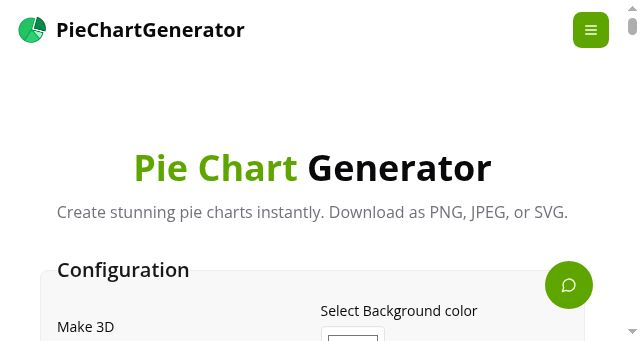
- Generate a dynamic, interactive 3D pie chart using this online tool by clicking the menu to configure settings. Users can adjust chart title text and legend positions, or specify the label font color. Users can then enter values for each data slice, ensuring they are separated by commas or individual entries as required for the input format. The system allows users to change the pie hole size to 0 or 1, or set the pie slice text label for each slice individually. Finally, users can select the specific title color and set the legend position to either Top, Bottom, Left, or Right, or choose None. Once all configurations are complete, users can generate the chart to view the visual output.
To ensure the chart meets high-quality standards, you can download the resulting high-resolution image immediately from the tool. The process involves a simple few-click workflow where the system handles all chart adjustments automatically. This tool provides the ability to instantly create beautiful, visually satisfying charts with just a few clicks, allowing users to customize colors and styles. By following these steps, users can start using our free pie chart generator to create professional charts in seconds. - Title
- PieChartGenerator | Free Online Pie Chart Generator & Maker
- Description
- Create beautiful pie charts instantly with PieChartGenerator - free online pie chart maker. Customize colors, labels, legends, download as PNG/JPEG/SVG.
- Keywords
- chart, generator, charts, free, colors, data, legend, labels, professional, high, quality, values, maker, images, title, slice, coding
- NS Lookup
- A 172.67.210.49, A 104.21.93.135
- Dates
-
Created 2026-03-08Updated 2026-04-06Summarized 2026-04-06
Screenshot
Query time: 315 ms






