
- Summary
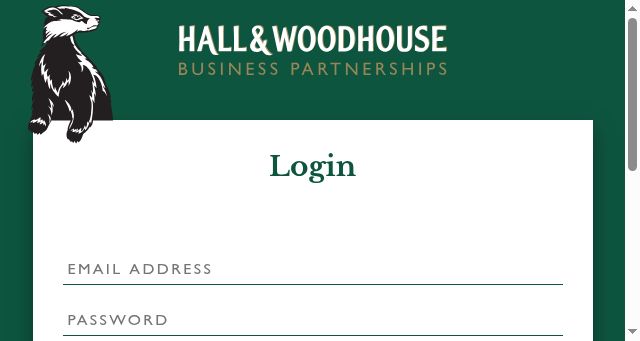
- You can access the dashboard by entering your user details and selecting a role to unlock your account. Once logged in, navigate to the Settings menu where you will find the option to modify your password or reset it via the email link provided in your dashboard. You will also have the ability to change your account's password directly within this interface. Additionally, if you have forgotten your password, you can simply click on the password reset button located at the bottom of the page to recover your credentials instantly.
- Title
- Login - Hall & Woodhouse Support
- Description
- Login - Hall & Woodhouse Support
- Keywords
- password, hall, support, asset, change, have, account, register
- NS Lookup
- A 52.49.153.239
- Dates
-
Created 2026-02-16Updated 2026-02-16Summarized 2026-03-22
Screenshot
Query time: 575 ms





